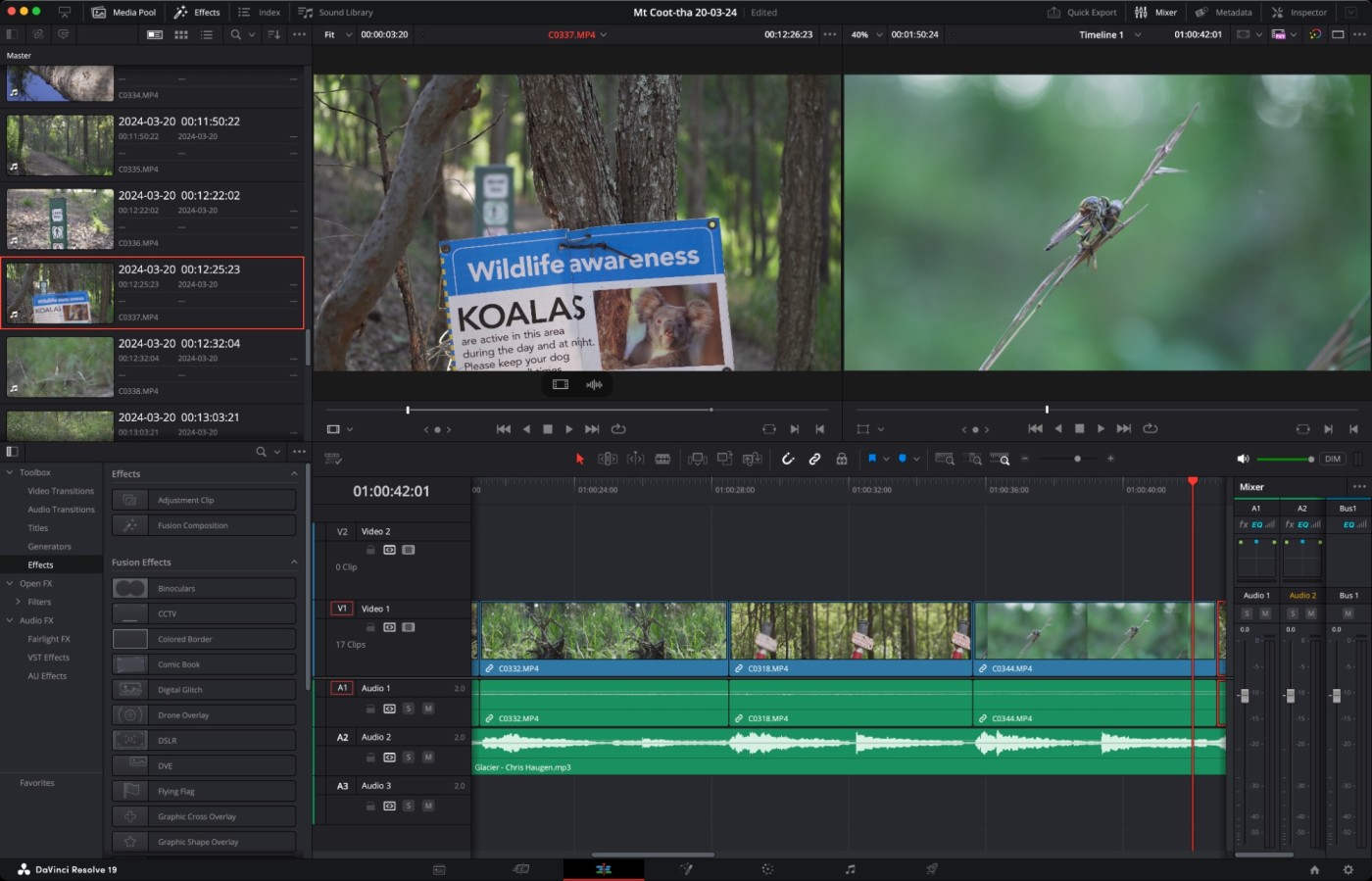
Top 5 User-Friendly Video Editing Tools for Beginners
If you're a beginner looking to dive into the world of video editing, finding the right tool is crucial for a smooth start. Here are the Top 5 User-Friendly Video Editing Tools for Beginners that offer intuitive interfaces and easy-to-use features, making the editing process enjoyable and efficient. Whether you want to create stunning vlogs, highlight reels, or social media clips, these tools have got you covered:
- iMovie - Available exclusively for macOS and iOS users, iMovie offers a simple drag-and-drop interface that allows beginners to create professional-looking videos effortlessly.
- Filmora - Known for its vast library of effects and overlays, Filmora provides an intuitive interface suitable for both Mac and Windows.
- Adobe Premiere Rush - This is a simplified version of Adobe's professional editing software, making it easy for beginners to jump in while still accessing powerful tools.
- HitFilm Express - A free video editing software, HitFilm Express combines video editing and visual effects, perfect for those looking to experiment with their creativity.
- OpenShot - An open-source video editing tool that supports various platforms, OpenShot is great for beginners due to its straightforward timeline and abundant tutorials online.
DIY Video Editing: How to Choose the Right Tools for Your Needs
When embarking on your DIY video editing journey, the first step is to assess your specific needs. Consider the type of videos you plan to create—whether they are for personal projects, social media, or professional output. This will influence whether you choose a simple mobile app for quick edits or a more advanced software for intricate projects. Familiarize yourself with various editing tools available, and create a list of features that are essential for your workflow. Here are some key factors to consider:
- User interface
- Supported video formats
- Editing features (e.g., trimming, effects)
- Export options
- Compatibility with your hardware
Once you've outlined your requirements, it's time to dive into the available tools. Don't overlook free or open-source software options, as they often provide robust features without the price tag. DIY video editing can be a cost-effective process if you choose wisely. Additionally, reading user reviews and watching tutorials can help you gauge the usability and effectiveness of different programs. Remember, the right tool should be intuitive enough to make your editing process seamless while still offering advanced features as you grow more experienced. Ultimately, the best choice will align with both your current needs and long-term goals.
Video Editing Made Easy: What to Look for in Software
When it comes to video editing software, ease of use is a key factor that can significantly affect your editing experience. Look for software that offers a user-friendly interface, intuitive navigation, and helpful tutorials to help you get started. Features like drag-and-drop functionality and readily accessible tools can make the editing process smoother and more enjoyable. Additionally, consider software that provides pre-set templates and effects, which can save you time and enhance your videos with professional touch.
Another critical aspect to consider when choosing video editing software is its compatibility with various file formats. Ensure that the software can handle the types of videos you plan to edit, whether they are from your smartphone, DSLR, or other devices. Furthermore, look for features such as multi-track editing, audio editing capabilities, and options for color correction. These tools will allow you to create high-quality videos that stand out, making your content more engaging and shareable.